
 Account
 Sign In
 Sign Up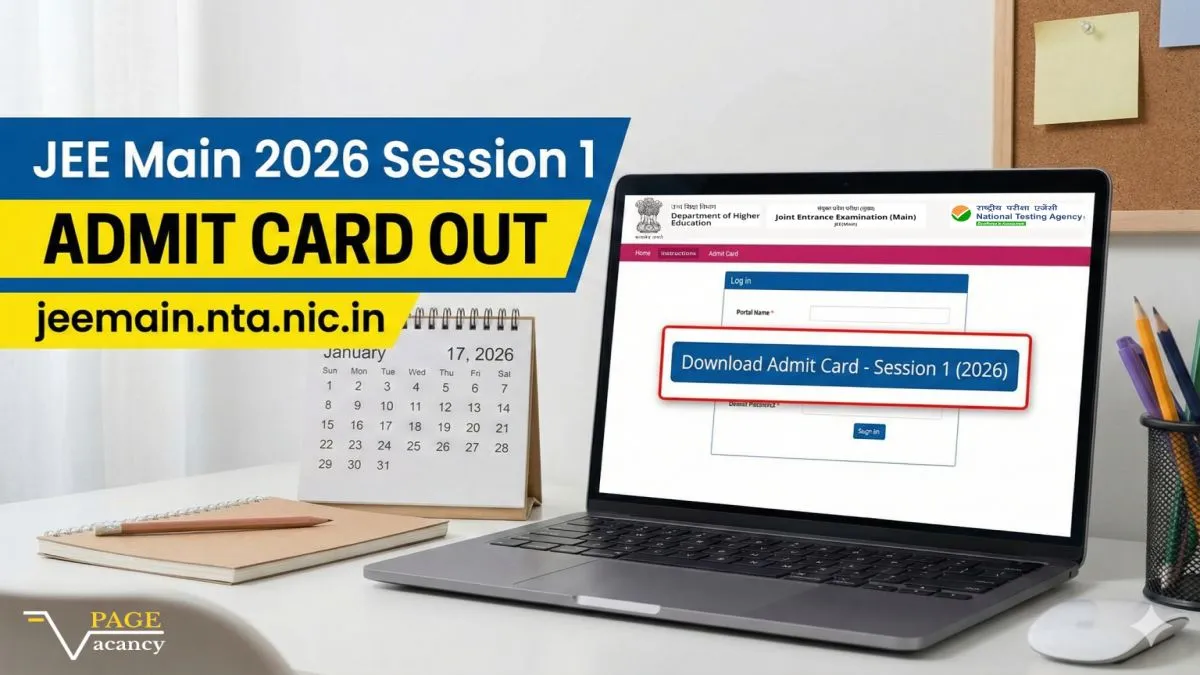
JEE Main Admit Card 2026 Out (Session 1) – Download Link & Steps
The National Testing Agency (NTA) has officially released the JEE Mains Admit Card 2026 for the Session 1 examination. As of January 17, 2026, candidates scheduled to appear for the exams starting from January 21 can now download their hall tickets directly from the official website, jeemain.nta.nic.in. This document is mandatory for entry into the examination center and contains crucial details regarding your shift timings, exam center address, and reporting time.
JEE Main 2026 Admit Card Status: Live Update
The wait is over for lakhs of engineering aspirants. The NTA has activated the download link for the Session 1 Admit Card. However, candidates must note that the NTA often releases admit cards in phases. Currently, hall tickets are available for candidates with exams scheduled in the initial days of the session.
Current Status: Released on January 17, 2026
Official Website: jeemain.nta.nic.in
Credentials Required: Application Number and Date of Birth (or Password)
If your exam is scheduled for the later dates (January 28 or 29), and you cannot yet see your admit card, do not panic. The NTA typically releases these 2-3 days prior to the specific exam date.
Important Dates for JEE Main 2026 Session 1
Keeping track of the schedule is vital to ensure you do not miss any deadlines. Below is the confirmed schedule for the January session.
| Event | Date |
|---|---|
| Admit Card Release Date | January 17, 2026 |
| Exam Dates (Session 1) | January 21, 22, 23, 24, 28, and 29, 2026 |
| B.Arch / B.Planning Exam Date | January 29, 2026 |
| Result Declaration (Expected) | February 12, 2026 |
How to Download JEE Main Hall Ticket 2026
Follow these simple steps to successfully download your admit card. We recommend doing this on a desktop or laptop for the best experience.
- Visit the Official Portal: Go to jeemain.nta.nic.in or nta.ac.in.
- Locate the Link: On the homepage, look for the link titled "JEE(Main) 2026 Session 1 Admit Card" under the Candidate Activity board.
- Enter Credentials: You will be redirected to a login page. Enter your Application Number and Date of Birth exactly as they appear on your registration form.
- Security Pin: Enter the captcha or security pin displayed on the screen.
- Download: Click on the 'Submit' button. Your admit card will appear on the screen.
- Print: Download the PDF and take at least two clear printouts (preferably in color) for the exam day.
Note: Sometimes the server faces heavy traffic immediately after release. If the page does not load, wait for 10-15 minutes and try again.
Details to Verify on Your Admit Card
After downloading, carefully check every detail mentioned on the card. Any discrepancy can lead to issues at the exam center. Ensure the following are correct:
- Personal Details: Name, Father's Name, Date of Birth, Gender, Category, and State of Eligibility.
- Exam Details: Roll Number, Application Number, Course Name (B.E./B.Tech/B.Arch).
- Center Details: Exam Center Name, Complete Address, and Center Code.
- Timing: Date of Examination, Shift (Morning/Evening), and Reporting Time.
- Photograph & Signature: Your photo and signature must be clearly visible and match the ones uploaded during registration.
What to Do in Case of Discrepancy?
If you find any error in your name, photo, or signature, you must immediately contact the NTA Helpline. You can email them at jeemain@nta.ac.in or call their helpline numbers provided on the website. Note that you may still be allowed to appear for the exam with the downloaded admit card if NTA advises so, but the correction request must be logged.
Exam Day Guidelines & Dress Code
The NTA enforces strict rules to ensure a fair examination process. Violating these can lead to disqualification.
Mandatory Items to Carry
- Printed Admit Card: A clear printout (A4 size) of the admit card downloaded from the NTA website.
- Self-Declaration (Undertaking): Filled in (except signature, which must be done in front of the invigilator).
- Valid ID Proof: Original and valid ID like Aadhaar Card, PAN Card, Voter ID, Passport, or Driving License. Photocopies are not allowed.
- Passport Size Photo: One additional photograph (same as uploaded) to be pasted on the attendance sheet.
- PwD Certificate: If claiming relaxation under the PwD category.
Dress Code & Prohibited Items
Candidates should wear simple clothing. Avoid garments with large buttons, heavy embroidery, or many pockets. Shoes with thick soles are generally not permitted; open sandals or slippers are recommended. Do not carry electronic devices, jewelry, watches, handbags, or any printed material other than the admit card.
Frequently Asked Questions (FAQs)
1. Is the JEE Main 2026 Session 1 Admit Card released?
Yes, the NTA released the admit card on January 17, 2026, for the exams commencing from January 21.
2. My exam is on January 29, but I cannot download my admit card. Why?
NTA often releases admit cards in a staggered manner. If your exam is on a later date, your admit card might be released 2-3 days before your specific exam date.
3. Can I show a digital copy of the admit card at the center?
No, digital copies on mobile phones are not accepted. You must carry a physical, printed copy of the admit card.
4. What should I do if I forget my application number?
You can retrieve your application number from the login page by clicking on "Forgot Application Number" and verifying your registered email ID or mobile number.
5. Is the Self-Declaration form mandatory?
Yes, the self-declaration form is usually part of the first page of your admit card. You must fill it out regarding your health status and travel history before reaching the center.
Disclaimer: This blog is for informational purposes only. Dates and details are subject to change by the NTA. Please strictly follow the official notifications at jeemain.nta.nic.in.










 Join WhatsApp